The Bedrock Server Hub: Made for Minecraft Console Players
The Bedrock Server Hub was created by OniionCraft to help Minecraft console players on Xbox, PS4, PS5, and Switch access all Bedrock Supported Servers. The process to join is simple and the connection to servers seamless. Read on to learn about this service and how to use it.
Taxes
11/14/20252 min read
Who is OniionCraft?
OniionCraft is a team that has been enhancing the Bedrock experience for players since 2022. Our mission is to provide accessible, reliable, and community supported Minecraft servers; connecting players across platforms, supporting creators, and sustaining a vibrant network where everyone has a place to explore. The projects we’ve created toward that goal include the OniionCraft SMP, free to download QoL addons, and the Bedrock Server Hub.
What is the Bedrock Server Hub?
The Bedrock Server Hub is a Realm that any Bedrock player can join using the Realm Code listed on our website. Over 70,000 players actively use the Hub for their server needs, with more than 2 million transfers to servers across all devices.
Why is the Hub better than comparable services?
Many comparable services, such as Public GeyserConnect or BedrockConnect, require a mobile app or DNS setting configuration.
If you don’t know what DNS is, it stands for Domain Name System. In the general sense of how the internet works, DNS is the connecting point between domain names and IP addresses. Without DNS as the middle man, domains wouldn’t register correctly and browsers wouldn’t load. Cloudflare describes it as “the phonebook of the Internet.” Their article goes much more in-depth for anyone interested in truly understanding how DNS works.
For using servers on Minecraft consoles, configuring DNS means going into your device’s network settings and changing your DNS to match that offered by the server access service you use. This DeepWiki article includes a diagram that shows how DNS redirecting works with BedrockConnect. However, as acknowledged by this Shockbyte article, though playing around with DNS won’t damage your device, it may cause internet connection issues. This is just another reason to leave the DNS settings alone if you don’t need to mess with them.
The Bedrock Server Hub is an easier alternative because no external elements are required. All you need for the Hub is your copy of Minecraft.
How do I join?
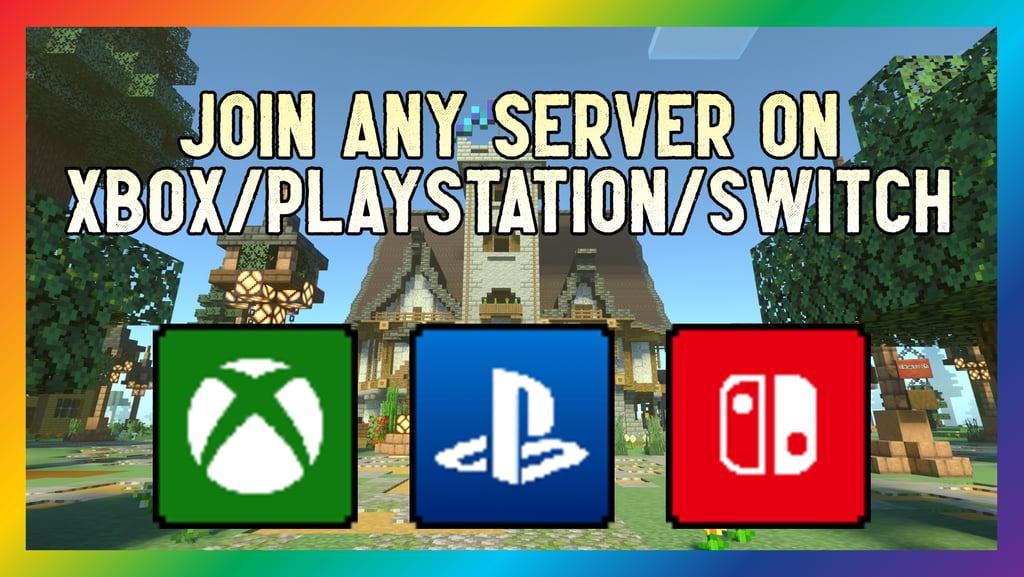
To join the Hub, go to Realms and select ‘Join an existing Realm.’ Enter the Realm Code found under the Server Hub tab on our website. When you load into the Hub, you’ll be presented with NPCs showcasing your options. To get on that server you’ve been dying to play, go to Join Any Server, which will be the NPC on your far left when you spawn in. Click on the NPC, press Add New Server, and enter the IP/URL and Port for any Bedrock Supported Server.
If you have trouble at any of these steps, check out our YouTube tutorial.
We truly believe the Bedrock Server Hub is the simplest option for console players to access servers. We hope it works great for you and attends to all your future server needs!
Site Navigation
© 2025. All rights reserved.